
Vertical-first workflow
Set your camera to 9:16 mode or shoot 4K wide and crop in post. Shooting vertical from the start saves editing time and avoids awkward reframes.
Reels, Shorts, TikTok — the format doesn't matter. What matters is speed: fast setup, reliable autofocus, and a workflow you can repeat daily without burnout. These are the cameras that actually help you post more.

| Model | Type | Best For | Video | Price |
|---|---|---|---|---|
| Sony ZV-E10 II | APS-C | Best Overall | 4K60 10-bit | ~$998 |
| DJI Osmo Pocket 3 | Gimbal Cam | Fastest Workflow | 4K120 | ~$519 |
| Canon EOS R50 | APS-C | Easiest to Use | 4K30 | ~$679 |
| GoPro Hero 13 | Action Cam | POV & B-Roll | 5.3K60 | ~$399 |
| Sony A6700 | APS-C | Pro Creator | 4K120 | ~$1,398 |
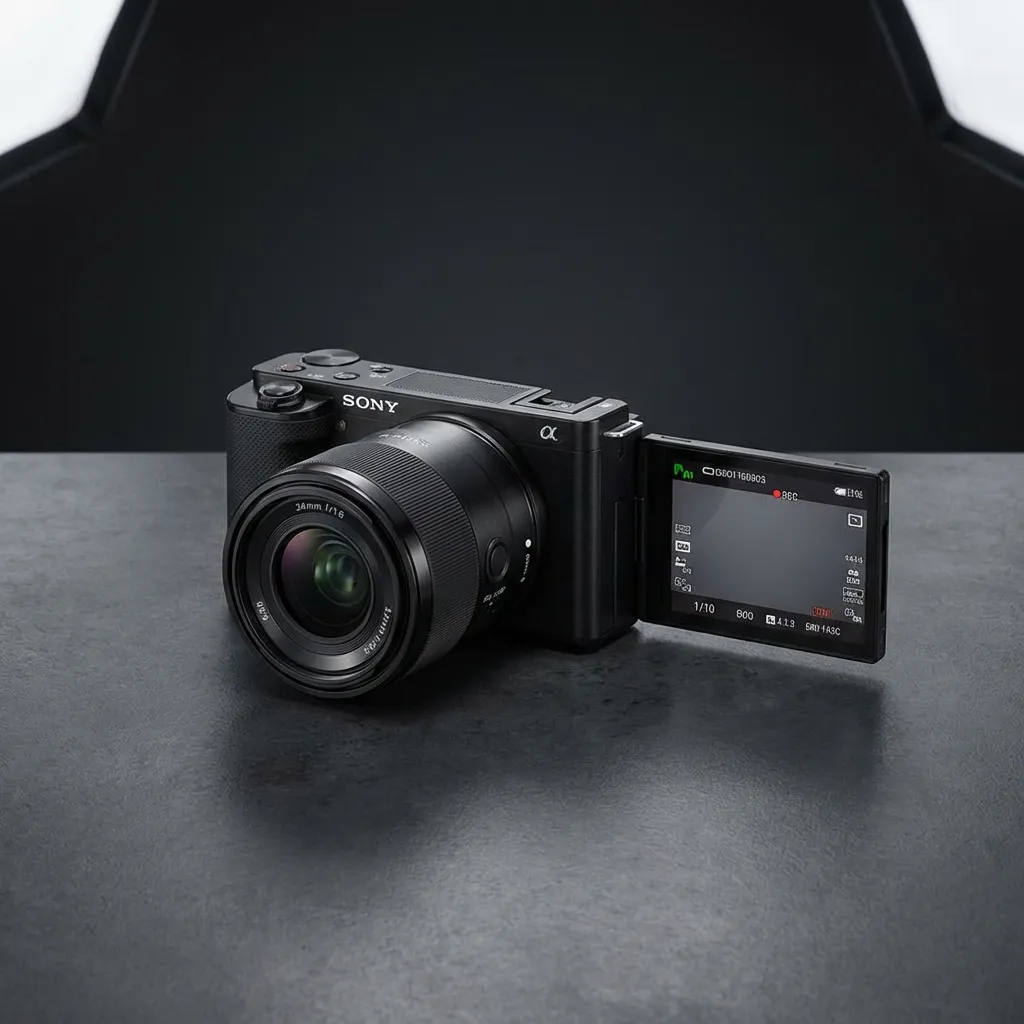
The ZV-E10 II is built for exactly this workflow. It has the same AI autofocus as the A6700, a dedicated vertical video mode for Reels and Shorts, and creator-friendly controls like Background Defocus and Product Showcase. The flip screen makes selfie framing effortless.
4K60 10-bit with S-Log3 means your footage can look cinematic with minimal color work. The large NP-FZ100 battery lasts a full day of short-form shooting without a swap.
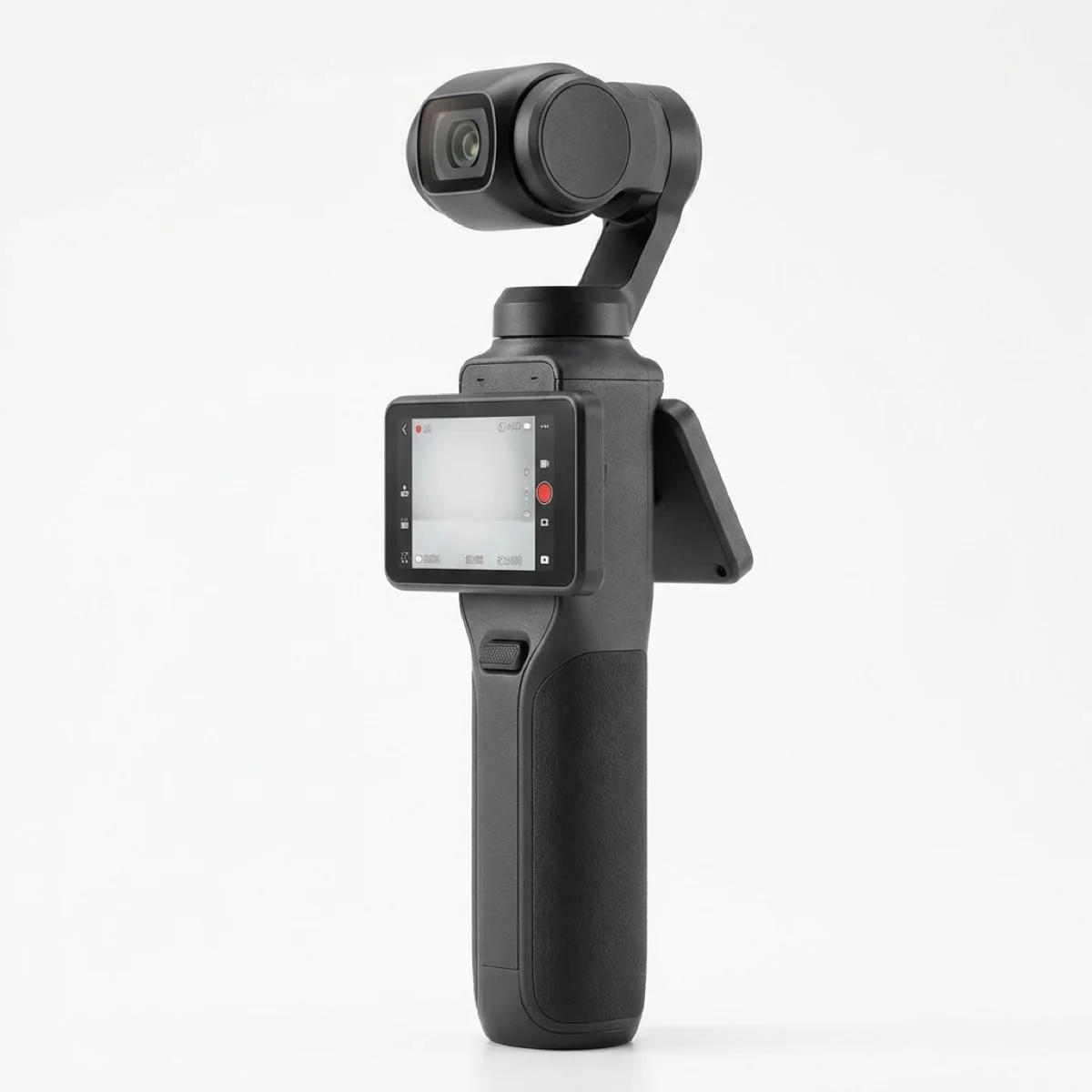
If posting speed is everything, this is unbeatable. Flip the screen open, it turns on. Point and shoot. The mechanical gimbal delivers smoother footage than any electronic stabilization, and the 1-inch sensor handles low light far better than any phone.
Native 9:16 vertical mode, instant face tracking, and wireless mic connectivity. Many top Reels creators use this as their daily driver because the friction-to-post ratio is zero.
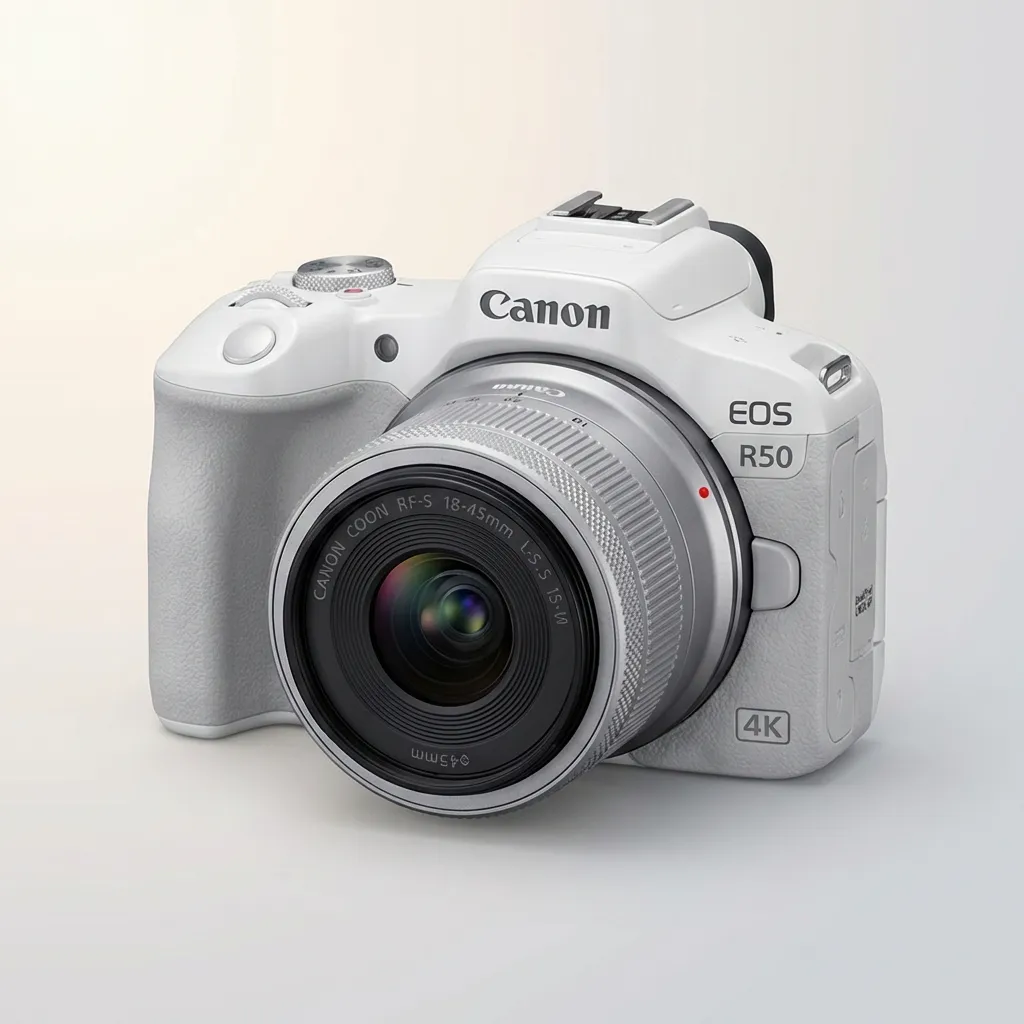
Canon's color science is instantly flattering — skin tones look natural without any color grading. For creators who want to shoot, trim, and post without touching editing software, this delivers upload-ready footage straight from the camera.
The Dual Pixel AF system tracks faces reliably, the menu system is beginner-friendly, and the compact body weighs just 375g. Pair it with the RF-S 18-45mm kit lens for a lightweight setup under $700.
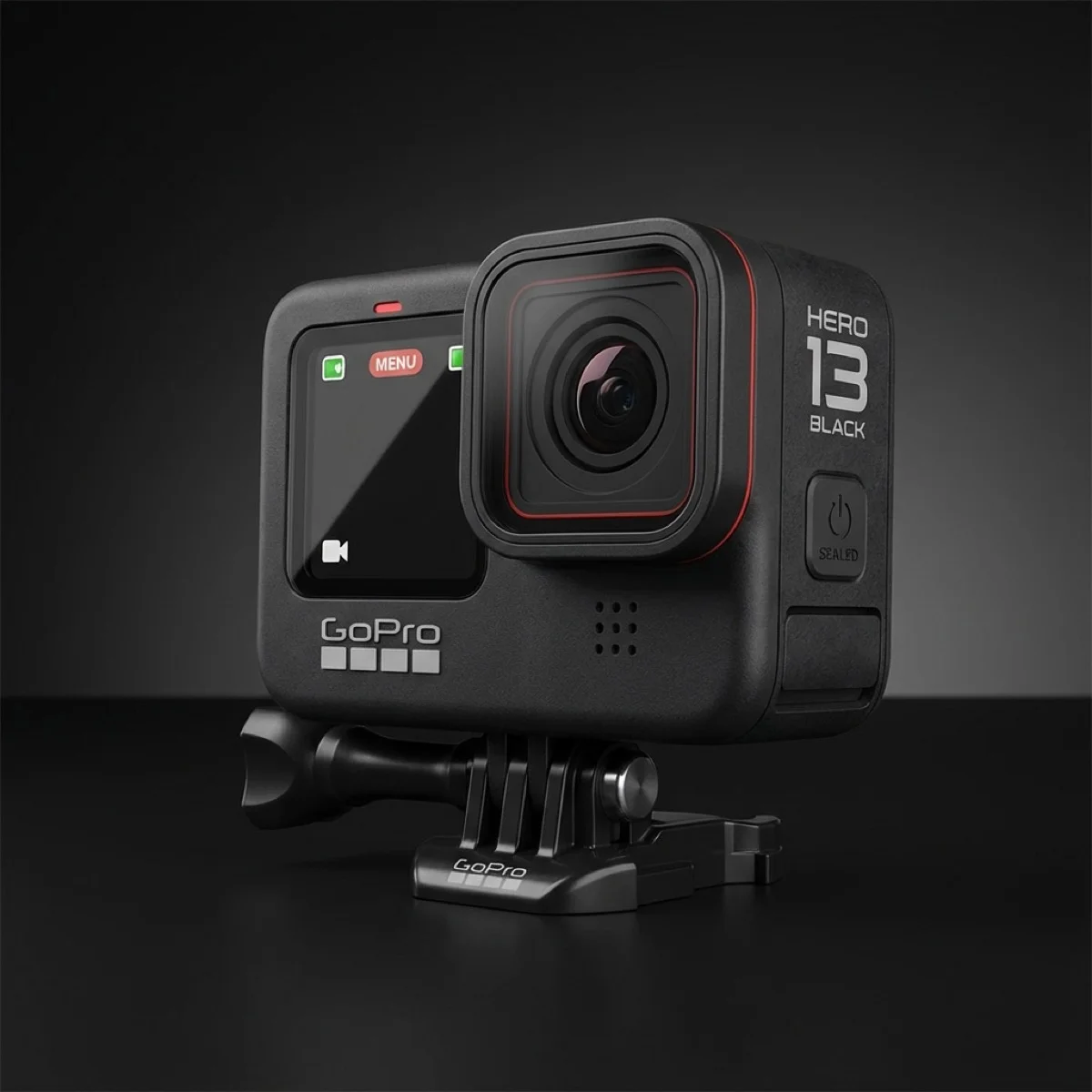
Not every Reel is a talking-head video. For POV clips, cooking overhead shots, workout content, travel montages, and any scenario where you need a tiny, indestructible camera — the Hero 13 fills the gap that no mirrorless camera can.
HyperSmooth 7.0 keeps everything locked, even during running or cycling. The front screen works for quick selfie framing, and 5.3K resolution gives massive crop flexibility for vertical edits.
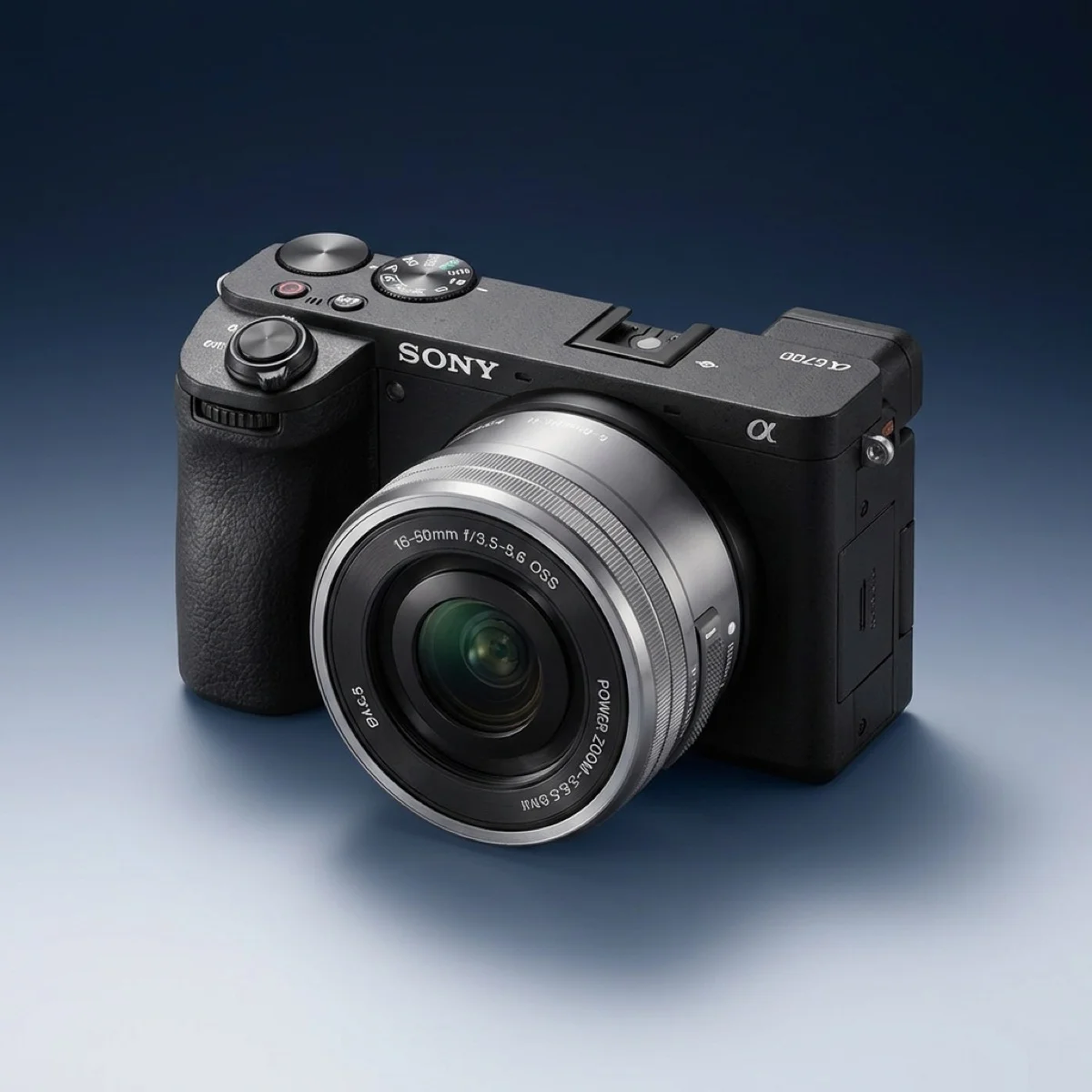
When your Reels or Shorts channel is generating revenue and you need the best possible quality, the A6700 is the upgrade that makes sense. It has the same AI subject recognition as Sony's $6,500 A1, packed into an APS-C body that weighs 493g.
4K120 for ultra-smooth slow-mo B-roll, S-Cinetone for instant cinematic color, and a weather-sealed body that handles outdoor shoots. The EVF is also useful for bright-daylight shooting where screens wash out.
Set your camera to 9:16 mode or shoot 4K wide and crop in post. Shooting vertical from the start saves editing time and avoids awkward reframes.
Even in 15-second clips, bad audio kills engagement. A $50 wireless lav mic is the single best investment for talking-head Reels and Shorts.
Shoot 5-10 clips in one session, change outfits between takes. Most successful short-form creators batch-produce a week of content in 2-3 hours.
Sony ZV-E10 II is our top pick for short-form creators. It has fast AI autofocus, a flip screen for selfie framing, vertical video support, and 4K60 recording under $1,000.
A phone is fine to start, but a dedicated camera gives better autofocus consistency, interchangeable lenses for creative looks, superior low-light quality, and easier background blur. This matters most once you're posting daily.
A 20-35mm equivalent lens is ideal for talking-head and handheld clips. Wider lenses (16-20mm) work for lifestyle and walk-around content. Avoid anything longer than 50mm for solo shooting.
Yes. Even though platforms compress to 1080p, shooting 4K lets you crop and reframe in post, which is essential for repurposing horizontal footage into vertical format.

We test cameras with a creator-first approach: autofocus reliability, vertical video workflow, and real-world output speed.
Learn more about our testing process →We buy or rent our own equipment. No manufacturer paid for this guide. We earn a commission when you use our affiliate links, which keeps this site ad-free.